Private browser tool
Image Size Checker
Upload images, inspect their dimensions, and see how each file fits Web/SEO, Social, and Print presets without choosing a confusing requirement first.
Drop images here for an instant fit report
Read JPG, PNG, WebP, GIF, SVG, or BMP files locally. The report compares each image against Web/SEO, Social, and Print presets without uploading image bytes to a server.
The problem behind the pixels
A raw dimension number rarely tells you what to do next
People search for an Image Size Checker when the image is already in their hand and the deadline is close. A blog post needs a share card. A marketplace listing rejects a product photo. A designer needs to know if a banner can be cropped safely. A print file looks large on screen, but nobody is sure whether it has enough pixels for a clean 8 by 10 inch output.
The job is not just "show me 1600 x 900." The job is "tell me whether this file will work where I plan to use it." This Image Size Checker turns width, height, file size, format, aspect ratio, and total pixels into a publishing decision. It shows where the image already fits, where it can be resized down, where framing must change, and where the source file is simply too small.
Ready to publish
The dimensions match the target and the image can move forward.
Resize down
The file has enough pixels, so export a smaller version without losing sharpness.
Crop needed
The aspect ratio does not match the preset, so framing matters before export.
Too small
The image does not contain enough pixels for a sharp print or large placement.
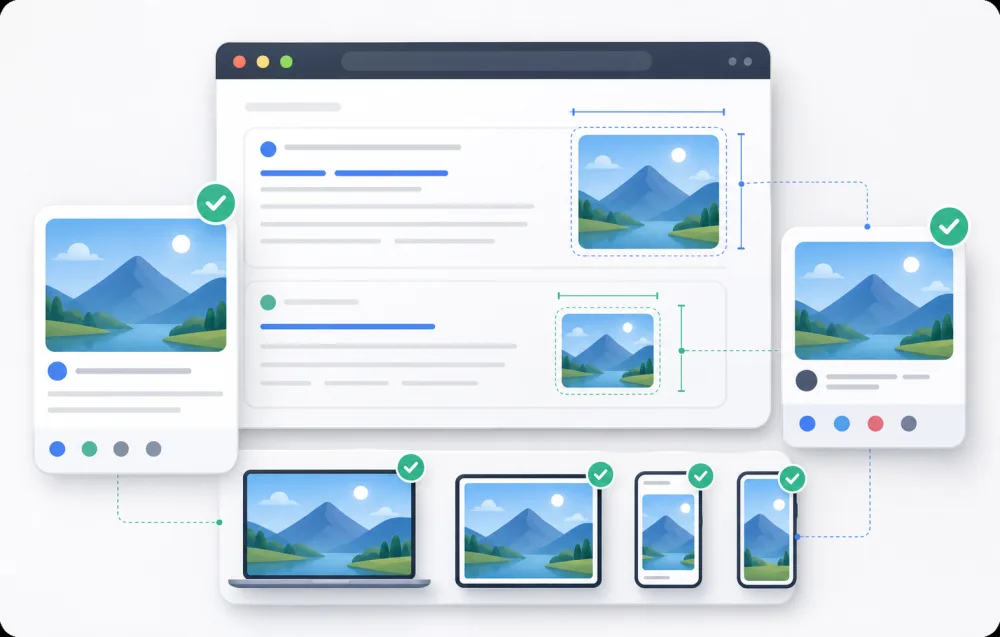
Organic traffic and link previews
Search traffic often meets your content through a preview image before anyone reads the page. Open Graph cards, X/Twitter previews, blog thumbnails, website heroes, and favicon sources all have different expectations. The Image Size Checker shows whether one file can cover those placements or whether a separate crop is safer.
1200 x 630, 1200 x 675, 1600 x 900, 512 x 512
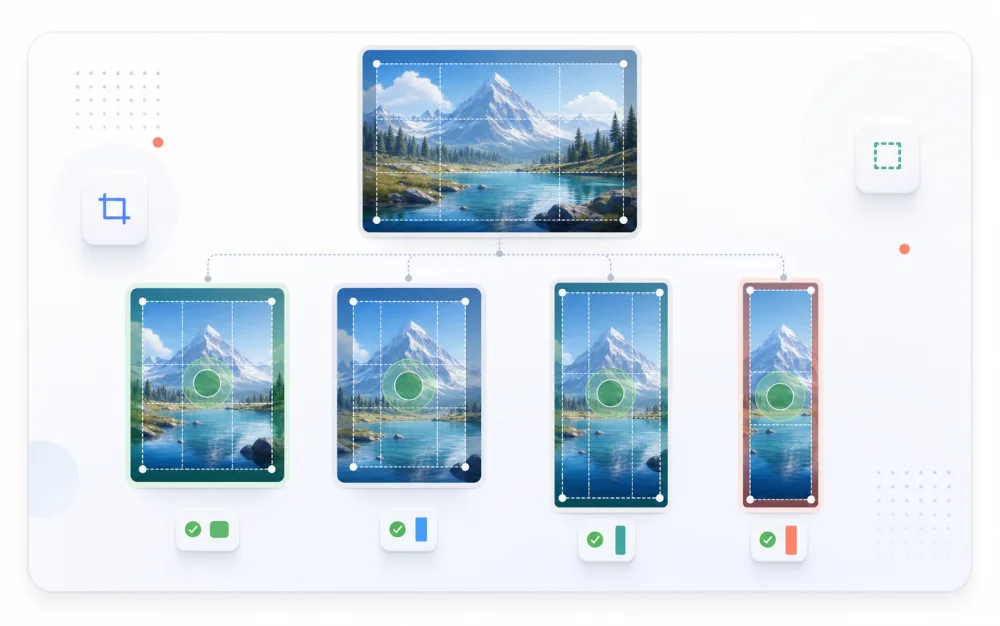
Campaign assets across social channels
The same image may need to become a square post, a portrait feed creative, a vertical story, a LinkedIn share, and a tall pin. Social work fails when a subject is cut off or stretched to fit the wrong canvas. The Image Size Checker makes those conflicts visible early, before the file is uploaded to every platform.
1080 x 1080, 1080 x 1350, 1080 x 1920, 1000 x 1500
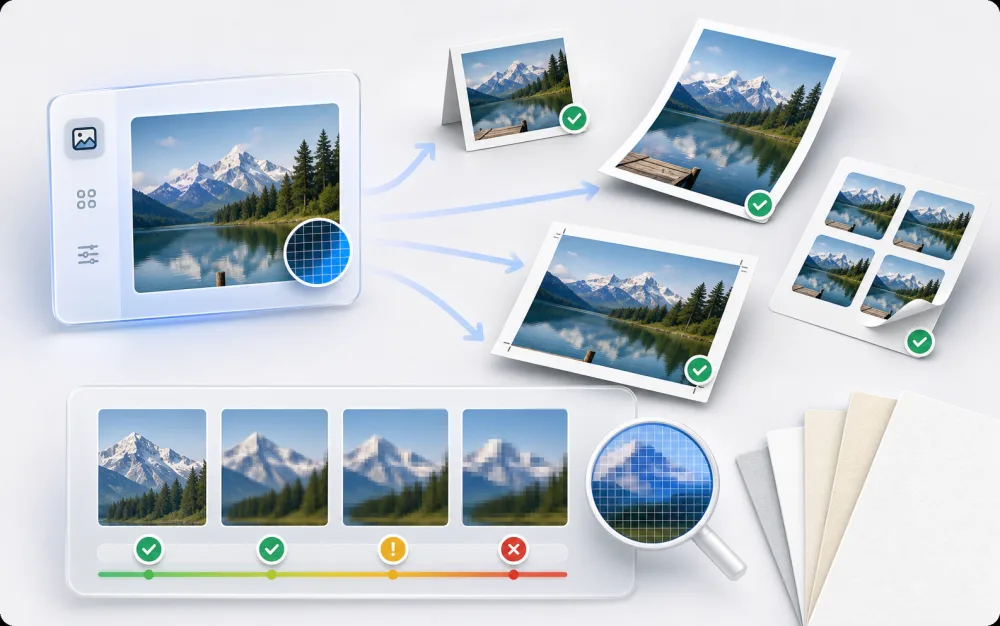
Print decisions before money is spent
Print mistakes are expensive because they are noticed after export, upload, or order placement. A file that looks large on screen can still be too small for a sharp flyer, label, photo card, or poster. The Image Size Checker converts pixels into real-world print sizes at common PPI levels so the quality tradeoff is clear.
4 x 6 in, 5 x 7 in, 8 x 10 in, A4, US Letter
What the report gives you
The answer is organized around publishing decisions
The Image Size Checker starts with upload because users often do not know the exact target yet. Instead of asking you to pick one requirement and then judging the image against that single choice, the report lays out the common Web/SEO, Social, and Print outcomes together. That makes the tool useful for exploration, cleanup, handoff, and final pre-publish checks.
- 1
See the facts first
Preview the selected file, then confirm dimensions, file size, format, aspect ratio, total pixels, and last modified date.
- 2
Compare against real destinations
Scan Web/SEO, Social, and Print presets side by side instead of keeping a separate size guide open.
- 3
Understand the gap
Each row explains the target, pixel delta, aspect-ratio issue, and whether resize, crop, or a better source is needed.
- 4
Move from diagnosis to correction
When a file needs adjustment, the resizer uses the same preset language for crop, format, quality, and ZIP export.
Pain relief by design
A valid image should not look broken because one requirement was chosen too early
A common checker pattern is to ask for a requirement before upload, then show a red failure state when the image does not match. That makes users wonder whether the image is bad or the requirement was wrong. This Image Size Checker avoids that trap by showing every preset after upload. A mismatch becomes a next action, not a verdict.
Built for folders, not one-off curiosity
A practical Image Size Checker needs batch support because real projects rarely involve one file. Campaigns, ecommerce uploads, editorial libraries, and print folders often contain dozens of images. Batch upload lets you compare several assets quickly while still viewing one detailed result at a time, so a messy folder can become a short list of publish-ready files and fix-needed files.
Privacy belongs next to the upload button
The Image Size Checker reads local files in your browser. It creates temporary preview URLs and computed measurements, then discards them when you reset the page or close the tab. No account is required, and image bytes are not sent to a remote API for the checking workflow. That matters for client creative, personal photos, product launches, internal decks, and drafts that should not leave the machine.
The checker should lead naturally to the fix
When an uploaded image needs adjustment, use the linked Image Resizer page. It shares the same preset language, so the target discovered in the Image Size Checker can become the target you resize toward. The resizer supports preset dimensions, custom dimensions, fit modes, manual crop controls, format selection, quality selection, individual downloads, and Download all ZIP for batches.
Decisions users are trying to make
The Image Size Checker is useful when the answer changes the next action
Can this image become the page preview?
The Web/SEO rows show whether the file fits common preview and hero placements, or whether a crop will produce a cleaner first impression.
Will this social crop cut off the subject?
The Social rows expose ratio conflicts before upload, which is where story, portrait, square, and pin formats usually cause frustration.
Is this file large enough for print?
The print table translates pixels into inches and centimeters at multiple PPI levels, so the decision is based on output quality, not guesswork.
Which files in this batch need work?
The batch summary keeps multiple images in one run, while each detail report separates ready files from assets that need resize, crop, or a better source.